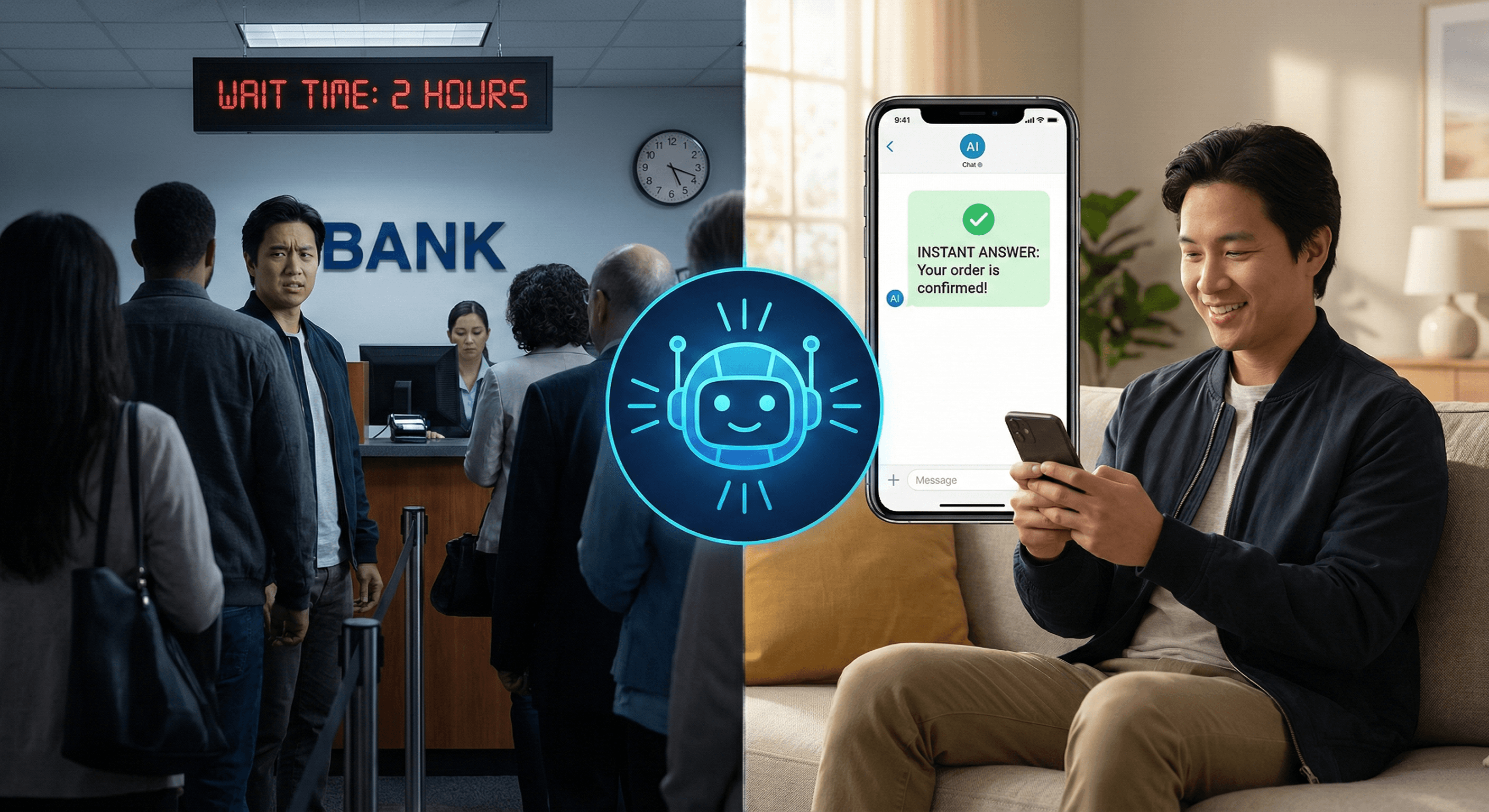
Introduction: You Didn't Start a Business to Answer the Same Question 200 Times
You started your business to build something — a product, a service, a brand.
But somewhere along the way, support crept in. First it was a few emails. Then a Slack channel. Then tickets piling up faster than you could respond. Now you're spending hours every week answering the same five questions on repeat: "How do I reset my password?" "Where is my order?" "What plan is right for me?"
It never stops. And every hour you spend in the inbox is an hour you're not spending growing your business.
Here's the good news: you don't have to choose between great customer support and running your business. AI-powered customer support automation exists exactly for this problem — and it's more accessible than ever, even if you have zero technical background.
In this guide, you'll learn exactly what customer support automation is, how it works, what you can realistically automate, and how to get started without overwhelm. Whether you're a solo founder, a small team, or a growing startup, this is the practical starting point you've been looking for.
The Problem: Why Traditional Customer Support Breaks Down Fast
Most early-stage businesses handle support the same way: manually. Someone (often the founder) sits in an inbox and responds to every message one by one. This works fine at first. But it breaks down quickly — and here's why.
Volume grows faster than your team
As your customer base scales, support requests scale with it. But hiring agents to match that growth is expensive. A single full-time support agent can cost $35,000–$60,000 per year, and they can only handle one conversation at a time.
Customers expect instant responses — always
Modern customers don't want to wait 24 hours for a reply. Studies show that 90% of customers rate an immediate response as "important" when they have a support question. Manual support teams simply can't deliver that at scale, especially outside business hours.
Repetitive questions eat your team alive
Research consistently shows that 60–80% of support tickets are variations of the same questions. Your team is answering the same things over and over, which leads to fatigue, errors, and high agent turnover.
Errors increase with volume
Humans get tired. When your agent has answered "how do I cancel my subscription" for the 50th time today, the 51st response is likely slower, less accurate, or less helpful.
Traditional support — email queues, shared inboxes, manual ticket routing — was designed for a different era. It simply wasn't built to handle the speed, volume, and 24/7 expectations of modern customers.
What Is Customer Support Automation with AI? (Plain English Explanation)
Customer support automation with AI means using artificial intelligence tools to handle customer questions, route requests, and resolve issues — automatically, without a human having to respond every time.
Think of it this way: you train an AI on everything your business knows — your FAQs, product documentation, policies, pricing, troubleshooting steps. Then, when a customer asks a question, the AI finds the right answer and responds instantly. No waiting. No inbox pile-up.
There are a few key components to understand:
- AI Chatbots: Conversational programs embedded on your website or app. A customer starts a chat, asks a question, and the chatbot responds in real time — just like texting with a knowledgeable support agent, except it's instant and available 24/7.
- Knowledge Bases: Structured collections of your support content — articles, guides, FAQs — that the AI uses to find accurate answers. The better your knowledge base, the smarter your AI responses.
- Automated Ticket Routing: Incoming support requests are automatically analyzed and sent to the right person or team based on the type of issue, urgency, or topic — without a human triaging everything manually.
- Human Handoff: The moment when a conversation is too complex for AI and gets transferred to a real human agent — seamlessly, with full conversation history, so the customer doesn't have to repeat themselves.
The key insight: AI doesn't replace human support. It handles the repetitive, predictable work so your human team can focus on complex, high-value interactions that actually need a person.
How AI Customer Support Automation Actually Works (Step by Step)
Let's walk through the real process — from setup to live support.
Step 1: Train Your AI on Your Business Knowledge
The first step is feeding your AI the information it needs to help your customers. This includes your FAQ page, product documentation, return or refund policies, pricing details, and any common support articles you've written.
Modern platforms like customsupportai.com make this straightforward — you don't need to write code. You upload your content, paste your website URL, or connect your existing help docs. The AI reads and learns from it all.
The quality of your training content directly affects the quality of your AI's answers. The more comprehensive and clear your documentation, the better your chatbot performs.
Step 2: Deploy Your Chatbot on Your Website
Once trained, your chatbot gets deployed as a widget on your website — that familiar chat bubble in the corner. Setting this up typically takes minutes, not weeks. You paste a small snippet of code onto your site, and the chat widget appears.
This is where customsupportai.com shines for non-technical users: you configure your chatbot through a simple dashboard — choose the look, set the greeting message, define what topics it handles — no developer required.
Step 3: The AI Handles Incoming Questions Automatically
Now the automation begins working for you. A customer visits your site at 11 PM with a billing question. They click the chat widget. The AI recognizes the question type, searches its knowledge base, and replies with an accurate answer in seconds.
No ticket created. No email waiting until morning. No human needed. The customer got their answer. You both move on.
Step 4: Complex Issues Escalate to Your Human Team
Not every question has a clean answer in your documentation. A customer might have a unique complaint, a complex technical issue, or an emotionally charged situation that needs human judgment and empathy.
Good AI systems recognize this — either automatically (when confidence is low) or when the customer requests it — and hand off the conversation to a human agent. The agent gets full context: the entire conversation history, the customer's details, and what was already tried. No starting from scratch.
Step 5: Learn and Improve Continuously
Every conversation makes your AI smarter. When questions go unanswered, you can identify content gaps and add them to your knowledge base. When the AI handles something well, that becomes a template for future interactions. Over time, your automation handles a growing percentage of inquiries without any extra effort from your team.
What Can You Actually Automate? (And What Should Stay Human)
This is the most important question beginners ask — and the answer matters a lot for setting the right expectations.
Automate these confidently
- Frequently asked questions — Hours, pricing, policies, basic product information. These have clear, documented answers and require zero human judgment.
- Password resets and account access — Step-by-step troubleshooting for common technical issues that follow a predictable path.
- Order status and shipping inquiries — Especially for e-commerce, "where's my order?" is often the #1 ticket. Connect your AI to your order management system and it resolves these automatically.
- Basic onboarding guidance — Walking new customers through setup steps, pointing them to tutorials, explaining features. This dramatically reduces new user churn.
- Ticket triage and routing — Analyzing incoming requests and sending them to the right team or person. Smart routing cuts resolution time significantly.
- After-hours coverage — Anything that would otherwise wait until morning. AI covers nights, weekends, and holidays without overtime costs.
Keep these human
- Complex complaints and escalations — When a customer is frustrated, they need empathy and real problem-solving, not a scripted response.
- Billing disputes and refund decisions — These require judgment, policy interpretation, and often negotiation. Keep humans in the loop.
- High-value customer relationships — Enterprise clients, key accounts, VIP customers. These relationships deserve personal attention and strategic thinking.
- Novel or edge-case problems — When something hasn't happened before and there's no documented solution. Humans improvise and create. AI looks for patterns it already knows.
- Sensitive situations — Legal matters, safety concerns, anything emotionally complex. Human judgment and empathy are irreplaceable here.
The practical goal: automate 60–80% of routine inquiries. Use the time and cost savings to give your human team the capacity to excel at the 20–40% that actually needs them.
How customsupportai.com Helps You Automate From Day One
You don't need to be a developer or a large company to implement AI customer support automation. customsupportai.com was built specifically so that businesses of all sizes can create, train, and deploy their own AI chatbot — without technical complexity.
Here's what that looks like in practice:
- Create your chatbot in minutes — The platform walks you through setup step by step. Name your bot, define its role, configure its personality to match your brand. No coding required.
- Train it on your real business content — Upload your FAQs, paste your help articles, connect your website. The AI learns your business and becomes your domain expert instantly.
- Deploy it on your website with one line of code — Your chatbot goes live as a chat widget that customers can access the moment they land on your site — 24/7, without anyone on your team needing to be awake.
- Support customers in 100+ languages — If you serve global customers, your AI responds in their native language automatically. No multilingual hiring required.
- Seamless human handoff when needed — When the AI reaches its limit, it transfers the conversation to your team with full context preserved. Agents pick up exactly where the bot left off.
The result: your customers get instant answers around the clock, your team focuses on complex issues that need human expertise, and your support operation scales without ballooning your costs.
Practical Use Cases: What This Looks Like Across Different Business Types
SaaS Startup
A SaaS company with 500 users finds that 70% of support tickets are basic how-to questions about features already documented in their help center. After deploying an AI chatbot trained on their docs, the bot resolves those tickets automatically. Their two-person support team shifts focus to churn prevention, onboarding calls with enterprise clients, and product feedback synthesis — work that actually moves the business forward.
E-Commerce Store
An online retailer processes hundreds of orders weekly. "Where's my order?" and "How do I return this?" make up the majority of support volume. Their AI chatbot is trained on shipping policies, return procedures, and FAQ content — so it answers these questions instantly using the information they've provided. Human agents now spend their time handling damaged goods complaints, custom order questions, and building relationships with repeat buyers.
Small Business / Service Provider
A local service business — like a fitness studio — gets the same five questions constantly: schedule, pricing, membership options, cancellation policy, class descriptions. Their AI chatbot answers all five perfectly, 24/7, even at midnight when a potential member is deciding whether to sign up. Conversions go up. Admin time goes down.
Customer Support Team at a Growing Company
A 10-person support team is overwhelmed. Ticket volume doubled in six months, but headcount didn't. After implementing AI, the bot handles first-line responses and filters out all routine inquiries. The team now handles 40% fewer tickets manually — but those tickets are the complex, interesting ones that actually benefit from human expertise. Job satisfaction improves. Burnout decreases. Customer satisfaction scores rise.
Common Mistakes Beginners Make with AI Support Automation
Avoid these pitfalls that trip up most first-time implementers:
- Launching with a half-built knowledge base — If your AI doesn't have the right information, it gives wrong answers and that destroys customer trust fast. Invest time upfront in comprehensive, clear documentation before going live.
- Hiding the "talk to a human" option — When customers know they can talk to a human, they're more willing to give the AI a chance. Always make escalation visible and easy.
- Treating AI as a one-time setup — Your AI gets better with ongoing attention. Review unanswered questions weekly. Add missing content. Update information when policies change. AI maintenance is a habit, not a one-time project.
- Automating too aggressively from day one — Start with your highest-volume, clearest-cut questions. Get those right first. Then expand automation scope gradually as you build confidence.
- Ignoring tone and brand voice — Your chatbot talks to customers. Configure its language, tone, and personality to match your brand — friendly, professional, or casual. An AI that sounds like a robot damages the experience even if the answers are technically correct.
- Measuring the wrong metrics — Don't just track "tickets handled." Track first-contact resolution rate, customer satisfaction score (CSAT), response time, and escalation rate. These tell you whether your automation is actually working for customers.
Actionable Takeaways
- Audit your last 100 support tickets — Categorize them by type. You'll likely find 60–80% are variations of 5–10 recurring questions. Those are your automation starting point.
- Build your knowledge base before your chatbot — The content comes first. Write clear, complete answers to your most common questions before training any AI.
- Start narrow, then expand — Deploy automation for your top 5 question types first. Get it right. Then add more over time.
- Always keep humans in the loop — Set clear escalation triggers for complex issues, frustrated customers, and billing disputes. Make handoff seamless.
- Review performance weekly for the first month — Check what questions went unanswered. Fill those gaps immediately. This habit makes the difference between a mediocre bot and a great one.
- Communicate to your team, not just your customers — Help your support agents understand AI is handling the repetitive work so they can focus on meaningful interactions. Buy-in from your team makes implementation smoother.
Conclusion: Automation Is the Support Strategy You've Been Missing
Customer support automation with AI isn't about replacing your team or cutting corners. It's about making your support operation sustainable, scalable, and genuinely better for both your customers and your people.
Your customers get instant, accurate answers — at midnight, on weekends, in their own language. Your team stops drowning in repetitive tickets and starts doing work that actually requires their expertise. And your business grows without support costs growing at the same rate.
You don't need a big budget or a technical team to make this happen. You need the right platform and a willingness to invest a few hours in setup.
customsupportai.com gives you everything to get started: create your chatbot, train it on your content, deploy it on your website, and watch it handle the repetitive work you've been buried under.
Start free today — and experience what it feels like when your support actually scales. Visit customsupportai.com to build your AI chatbot for free.